

For a local business, appearing in Google Maps can influence whether a nearby customer calls, requests directions, visits the website, or chooses a competitor. But better local visibility does not come from adding keywords to a Google Business Profile and waiting for rankings to improve.
Google states that local results are mainly based on relevance, distance, and prominence. Businesses cannot pay Google for better organic local rankings, and distance is largely outside your control. The practical opportunity is to improve how accurately Google understands your business, how trustworthy your local presence appears, and how useful your information is to potential customers.
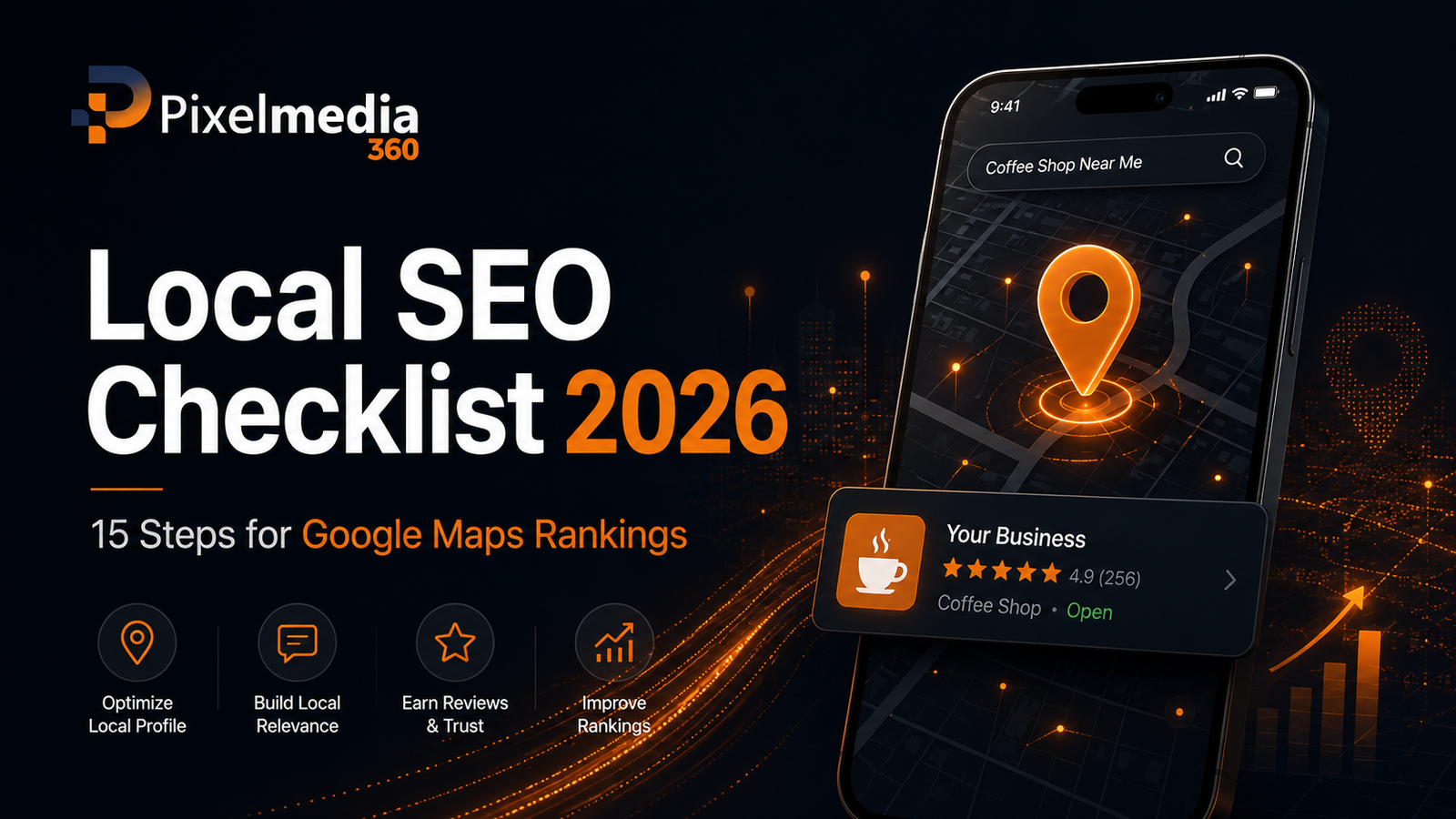
This local SEO checklist covers 15 practical steps businesses can use in 2026 to strengthen their Google Maps and local-search presence.
Table of Contents
- Verify Your Google Business Profile
- Complete Every Important Business Detail
- Choose the Most Accurate Business Categories
- Keep Your Business Name Consistent
- Set the Correct Address or Service Area
- Maintain Accurate Opening Hours
- Optimise Your Business Description
- Add Relevant Services and Products
- Upload Genuine Photos and Videos
- Build a Consistent Review Process
- Respond to Customer Reviews
- Optimise Your Website for Local Search
- Keep Business Information Consistent Across the Web
- Strengthen Local Authority and Internal Linking
- Measure Local SEO Performance
- Common Local SEO Mistakes
- Frequently Asked Questions
- Final Thoughts
1. Verify Your Google Business Profile
Start by claiming and verifying your Google Business Profile.
Verification tells Google that you are authorised to represent the business. Google specifically recommends verification as part of improving local visibility, and only verified businesses can fully manage important Profile information and respond to reviews.
Once verified, check who has access to the Profile. Former employees, previous agencies, or unknown accounts should not retain unnecessary administrative control.
For businesses that need structured help with Google Maps visibility, Pixel Media 360 provides local SEO services covering Google Business Profile optimisation, local research, citations, and local search monitoring.
2. Complete Every Important Business Detail
An incomplete Profile gives both users and Google less information to work with.
Review:
- Business name
- Primary category
- Secondary categories
- Address or service area
- Phone number
- Website
- Opening hours
- Business attributes
- Services
- Photos
Google states that complete and accurate information makes businesses more likely to appear for relevant local searches.
Treat the Profile as a customer information source, not simply an SEO listing.
3. Choose the Most Accurate Business Categories
Your primary category is one of the most important fields to review.
Google says categories help connect businesses with people searching for their products or services, and category selection can affect local ranking. It recommends choosing the most specific primary category that accurately describes the business.
For example, if a company is specifically a dental clinic, a more precise available category is generally more useful than selecting a broad category simply because it attracts more searches.
Add secondary categories only when they genuinely represent services the business provides.
4. Keep Your Business Name Consistent
Do not add unnecessary keywords to your Google Business Profile name.
The name should reflect how the business is consistently represented in the real world across branding, signage, and customer-facing materials. Google explicitly requires businesses to represent themselves accurately.
For example:
Correct:
Pixel Media 360
Risky:
Pixel Media 360 Best SEO Agency Islamabad Rawalpindi Google Maps Experts
Keyword stuffing in a business name may create policy problems and makes the listing look less trustworthy.
5. Set the Correct Address or Service Area
Your location information must represent the business accurately.
A physical business should use its genuine customer-facing location. A service-area business should configure its service area according to how it actually operates.
Do not create fake offices simply to target additional cities.
Distance is one of Google’s main local ranking considerations, so a business cannot legitimately optimise its way around every geographic limitation.
A Rawalpindi business may rank differently for someone searching from Islamabad, Bahria Town, Saddar, or another area because the searcher’s location changes.
6. Maintain Accurate Opening Hours
Incorrect hours create a poor customer experience.
Update:
- Normal business hours
- Weekend hours
- Holiday hours
- Temporary closures
- Special opening times
Google specifically includes accurate hours among the information businesses should keep up to date.
This is particularly important for searches with immediate intent, such as “near me” or “open now.”
7. Optimise Your Business Description
Your description should explain the business naturally.
Include:
- What you offer
- Who you serve
- Relevant specialist services
- Your genuine geographic context
Avoid turning the description into a list of repeated local keywords.
A digital agency in Rawalpindi, for example, could naturally explain that it provides SEO, Google Ads, website development, or social media services for businesses in Rawalpindi, Islamabad, and other markets if that accurately reflects its service coverage.
Write for the customer first.
8. Add Relevant Services and Products
Where appropriate, add the services or products available through your Profile.
Clear service information helps potential customers understand what the business offers before contacting you.
For a local marketing company, service entries might include:
- Local SEO
- Technical SEO
- Google Ads management
- Website development
- Social media marketing
For a clinic, the service list would instead reflect the treatments genuinely offered.
Do not add unrelated services only to increase keyword coverage.
9. Upload Genuine Photos and Videos
Images make the listing more useful and can help customers evaluate the business.
Google encourages businesses to add photos and videos that show what they offer.
Depending on the business, useful images may include:
- Storefront
- Office
- Team
- Products
- Completed work
- Facilities
- Service environment
Use genuine business imagery where possible. Stock images may look polished, but they provide less evidence about the actual local business.
10. Build a Consistent Review Process
Reviews are an important trust signal for potential customers.
Google also states that review quantity and positive ratings can contribute to prominence in local results.
Create a simple process for asking real customers for feedback after a genuine interaction.
Google allows businesses to share a review link or QR code through places such as:
- Thank-you emails
- Receipts
- Customer chats
- In-store materials
However, offering discounts, free products, or other incentives in exchange for reviews is prohibited.
Aim for genuine reviews, not manufactured volume.
11. Respond to Customer Reviews
Review management should include responses.
Google recommends replying because it demonstrates that the business values customer feedback.
Avoid sending the exact same response to every customer.
A useful reply should:
- Acknowledge the feedback
- Remain professional
- Address relevant details
- Avoid sharing private information
- Stay concise
Negative reviews should not automatically be reported simply because they are critical. Google removes reviews when they violate policy, not merely because a business disagrees with them.
12. Optimise Your Website for Local Search
Google Maps optimisation should not happen separately from website SEO.
Google can use publicly available website information when building and understanding Business Profiles.
Your website should clearly communicate:
- Business name
- Services
- Contact details
- Genuine location
- Service areas
- Opening information where relevant
Create useful location pages when you genuinely serve multiple areas.
For example, an SEO business targeting Islamabad and Rawalpindi should create location-specific content only when it can provide meaningful information for customers in each market—not dozens of near-identical city pages.
A broader professional SEO strategy can help connect local optimisation with technical SEO, content, internal linking, and website performance.
13. Keep Business Information Consistent Across the Web
Check important third-party listings and directories for outdated information.
Pay particular attention to:
- Business name
- Address
- Phone number
- Website
- Opening hours
Google collects business information from several sources, including public web content, third-party data, users, and business owners.
Consistency reduces confusion for both customers and search systems.
Do not build hundreds of low-quality directory listings simply to increase citation numbers. Focus on credible and relevant platforms.
14. Strengthen Local Authority and Internal Linking
Google describes prominence partly in terms of how well known a business is and notes that information such as links to the business can contribute to this understanding.
Useful local authority can come from genuine relationships and mentions such as:
- Local industry organisations
- Relevant directories
- Business associations
- Local publications
- Suppliers
- Partners
- Community organisations
Your own website structure also matters.
Link relevant blog posts to local service pages using descriptive anchor text. For example, a Google Maps optimisation guide can naturally link to a Local SEO service page rather than repeatedly linking every instance of “Google Maps.”
Quality and relevance matter more than link quantity.
15. Measure Local SEO Performance
Local SEO should be monitored instead of treated as a one-time setup.
Track:
- Google Business Profile interactions
- Calls
- Website visits
- Direction requests
- Local organic traffic
- Leads
- Important keyword groups
- Review growth and quality
Do not judge success using a single Maps ranking screenshot.
Local rankings can vary according to location because distance is part of Google’s local-ranking system.
A more useful question is:
Are more relevant local customers discovering and contacting the business?
Local SEO Checklist
| Area | What to Check |
| Verification | Profile is claimed and verified |
| Information | Details are complete and accurate |
| Categories | Primary category accurately matches business |
| Name | No keyword stuffing |
| Location | Address/service area is genuine |
| Hours | Regular and special hours are correct |
| Services | Relevant services are listed |
| Media | Genuine photos and videos added |
| Reviews | Ethical review-request process exists |
| Replies | Customer reviews are answered |
| Website | Location and service information is clear |
| Citations | Important listings are consistent |
| Authority | Relevant local links and mentions |
| Internal links | Local pages are logically connected |
| Measurement | Calls, traffic, leads, and interactions tracked |
Common Local SEO Mistakes to Avoid
Keyword Stuffing the Business Name
This creates policy risk and is not a sustainable optimisation strategy.
Creating Fake Locations
A virtual or fake location created only for Maps visibility can violate Google Business Profile guidelines.
Buying or Incentivising Reviews
Google explicitly prohibits incentivised reviews.
Ignoring Negative Reviews
Constructive responses can demonstrate professionalism to future customers.
Publishing Duplicate Location Pages
Changing only the city name across dozens of pages adds little value to users.
Expecting One Fixed Google Maps Ranking
Search location affects local results. A business may appear differently across neighbourhoods and cities.
Frequently Asked Questions
What is local SEO?
Local SEO is the process of improving a business’s visibility for geographically relevant searches across Google Search, Google Maps, and other local discovery channels.
What determines Google Maps rankings?
Google says local results are mainly determined by relevance, distance, and prominence. Businesses can improve the quality and completeness of their information, but they cannot control every ranking factor.
How can I improve my Google Business Profile ranking?
Start with verification, complete business information, accurate categories, genuine reviews, useful photos, consistent website information, and a strong local web presence.
Do Google reviews help local SEO?
Google states that more reviews and positive ratings can help a business’s local ranking and prominence. Reviews must come from genuine customer experiences and should not be incentivised.
Can I pay Google to rank higher on Google Maps?
No. Google states there is no way to request or pay for a better organic local ranking.
How long does local SEO take?
There is no universal timeline. Results depend on competition, location, existing visibility, website quality, Business Profile condition, and the strength of competing businesses. Avoid providers that guarantee a specific Maps position by a fixed date.
Final Thoughts
A strong local SEO checklist in 2026 starts with accuracy and relevance rather than shortcuts.
Verify your Google Business Profile, select accurate categories, maintain genuine business information, collect legitimate customer reviews, improve your website’s local relevance, and build authority through credible local relationships.
Most importantly, remember that Google Maps visibility is not controlled by one optimisation trick. Relevance, distance, and prominence work together, and some factors—especially a searcher’s distance from your business—cannot be manipulated responsibly.
If your business in Rawalpindi, Islamabad, or another local market needs help identifying Google Business Profile, website, citation, or local-search issues, contact Pixel Media 360 for a local SEO assessment.